Create the outline
Set the title, theme, and group size.
Session planner
Combine drills, text, and timing in one plan. Share it with a link that the reader can open without logging in.
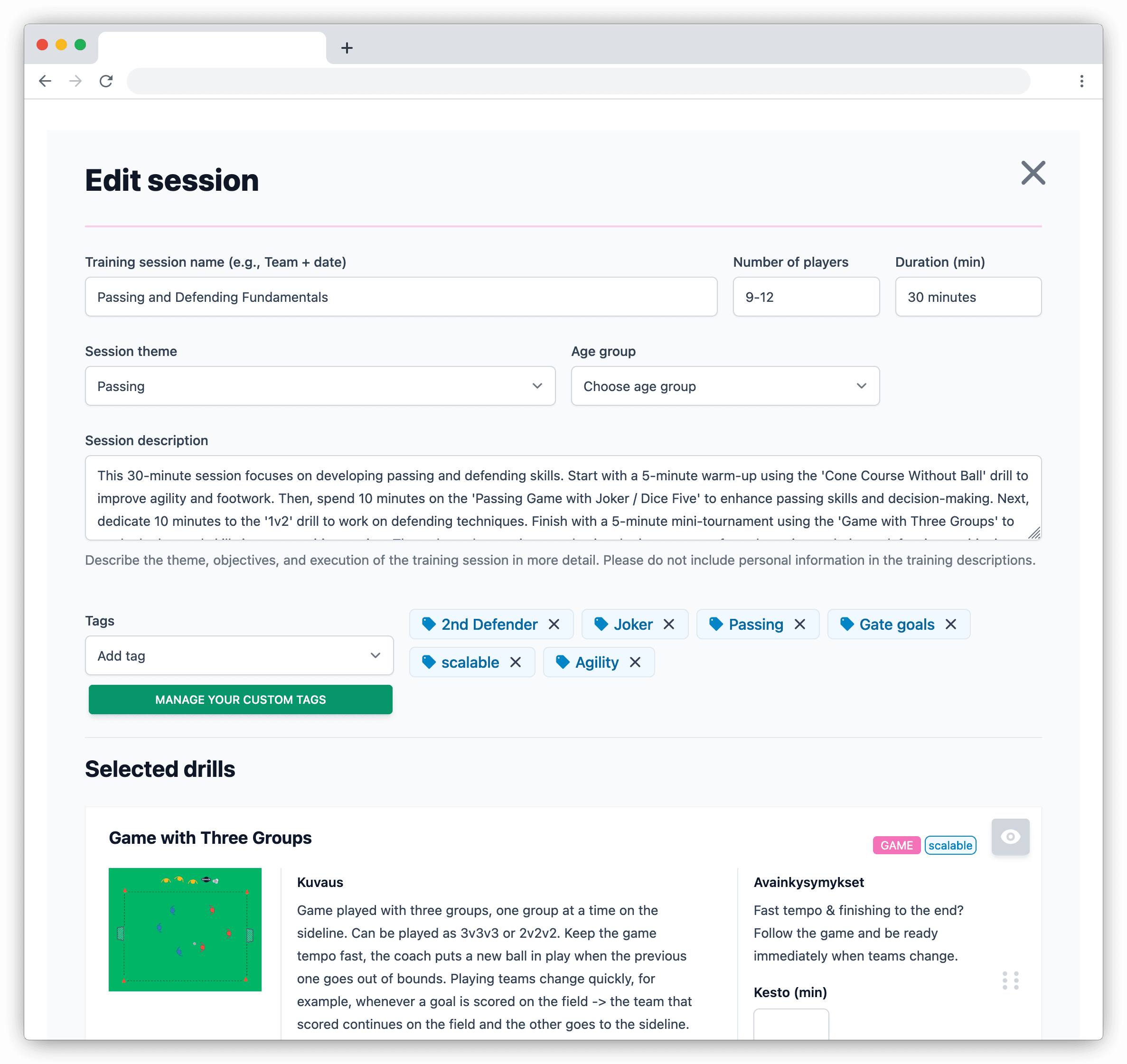
The session view keeps the order, coaching notes, and drill diagrams together. Copy an earlier session when it is a useful base for the next week.
Set the title, theme, and group size.
Bring in public or private drills and add text sections.
Arrange the parts in the order they will run.
Send it to assistant coaches or print it.
Current limits
Sharing is included on every plan. Removing ads and watermarks and adding club branding require Pro or Club.
How plans are shared with coaching staff and what the recipient needs.
As many as you need. There is no limit on creating, saving, or sharing sessions.
No. Anyone with the link can open and read the shared session without logging in.
Each person who signs in should use their own account. A finished plan can be shared through a read-only link without shared credentials.
Create and share drills and sessions, manage teams, schedule events, and collect RSVPs for free. The free plan is funded by ads.