Describe the goal
Enter the session topic, group, and available time.
AI session generator
Describe the objective, age group, and available time. The generator creates a draft that opens in the normal session planner.
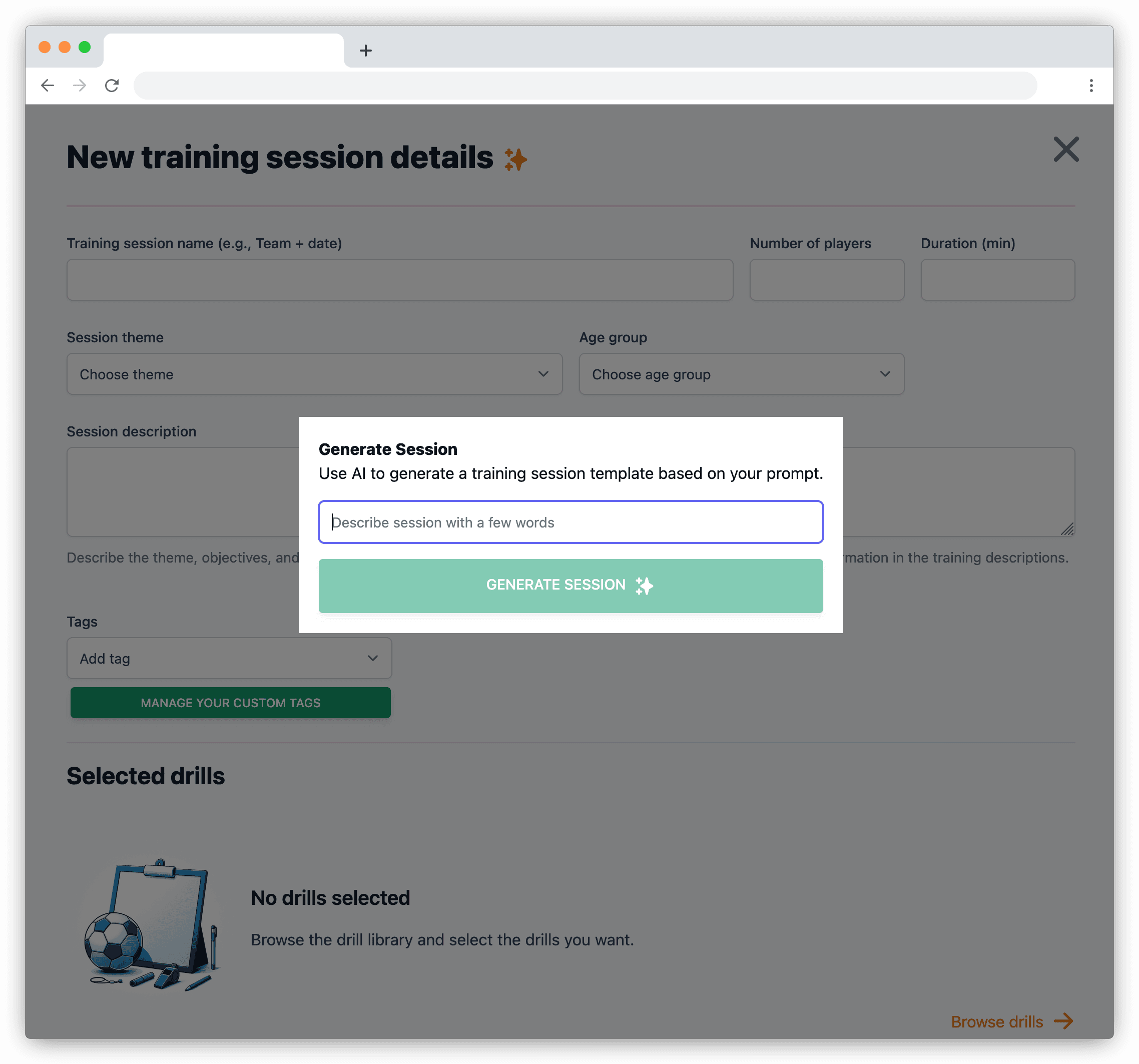
The generator produces the first outline. The coach remains responsible for whether the content is suitable, safe, and practical for the group.
Enter the session topic, group, and available time.
Get a session structure and drill suggestions to edit.
Replace drills and correct instructions for your group.
Continue with the same editing and sharing workflow as any other plan.
Current limits
An AI suggestion does not replace a coach's judgement. Player, guardian, and attendance data are not sent to the AI provider.
What the generator does, which data it uses, and who is responsible for the result.
The session objective, age group, duration, and other planning details. It does not need player or guardian personal data.
Yes. The draft opens in the normal session planner, where you can replace drills, edit text, and change the order.
The coach. The generator creates an editable suggestion, but the coach assesses safety and suitability for the group.
Create and share drills and sessions, manage teams, schedule events, and collect RSVPs for free. The free plan is funded by ads.